You can "Nub" behind the Chat Bar OR you can nub behind a Special Panda on Pandanda.
Read my step-by-step tutorial to help with the glitch.
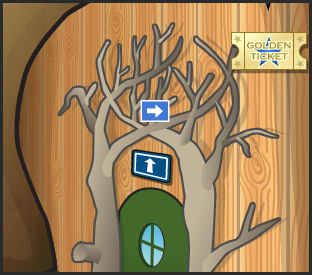
1. Go to a room with a Door in it (Treehouse Lobby, Den, East Market Street, West Market Street, Bear Hollow)
2. Click "TAB" on your keyboard.
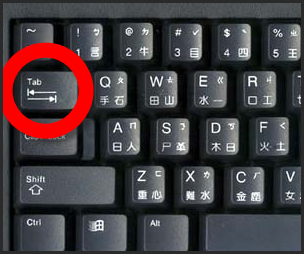
3. Click Tab until a yellow box is over the door.
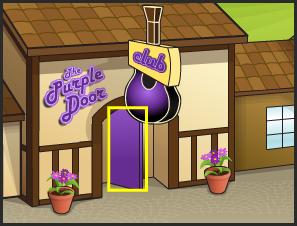
4. Put your cursor over a Panda (If you want to nub behind a panda) or the chat bar (If you want to nub under the chat bar).
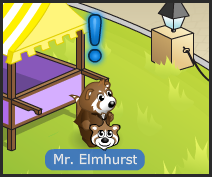

5. Make sure the yellow box is over the door AND the cursor is where you like at the same time.
6. After completing number 5 click "ENTER" on your keyboard.
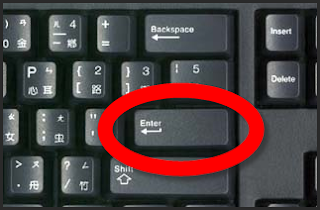
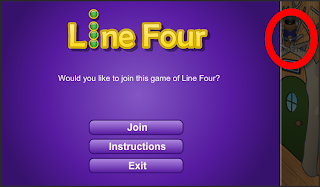
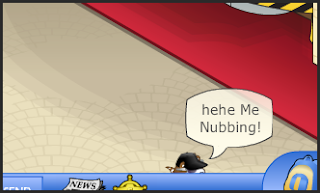
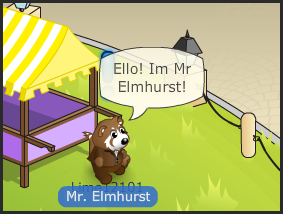
Your panda will walk over to the place where your cursor was, and you will be officially Nubbing!
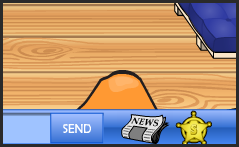
When nubbing behind the chat bar, you can move from side to side, clicking the sides of the chat bar, and other places on the chat bar.
When you nubbing behind a Panda, you can talk and it will look like the Panda's Talking!
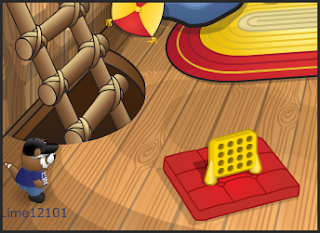
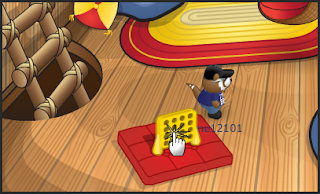
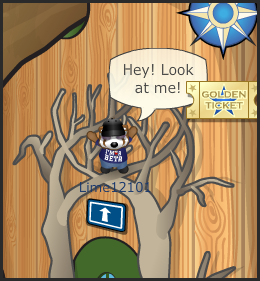
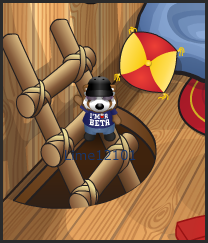
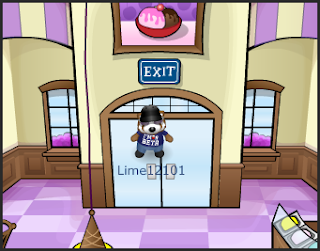
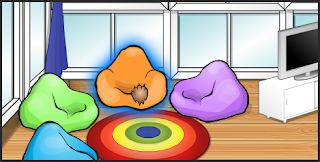
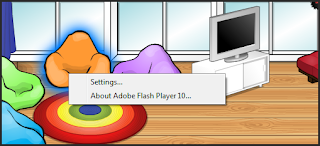
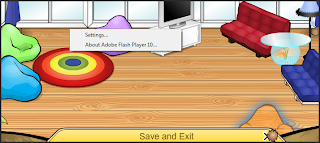
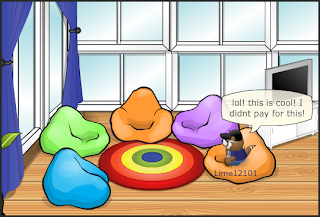
Here is what it looks like when I nub:
I think this is one of the coolest Glitches, I hope Pandanda doesn't fix it! Visit my Cheats & Glitches page for more Cheats & Glitches!
~Lime12101 Pandanda Cheats President
PS: Alto is on vacation and he will be back on Tuesday (July 21st)